PICTURE FRAMES and BACKROUNDS

To save: Just right-click on the image,"save image as"


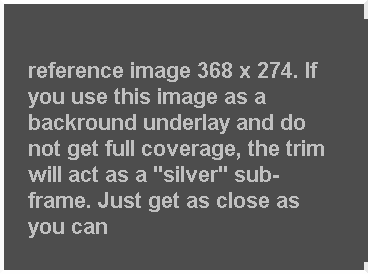
REFERENCE IMAGE

Get a set of 800x600 satin backrounds for image or page. Click on the exampale for the zip file and download

ACTUAL SIZE: CLICK TO GET THE SET OF BACKGROUNDS

TO USE

  1. Go to the folder containing the one you wish to use and Copy it to your work folder
  2. copy the image that you wish to put in the frame to your work folder and resize and crop (you will probably need to do both) it to the right size as stated in the reference image
  3. center paste the image onto the frame. In IrfanView; Edit>Overlay>locate imag, set transparancy (It is designed for a watermrk)>center
  4. Save as or In IrfanView File>save to original folder using a new name
  5. You are done
Doing it this way lets you keep unused copies of the frame. I keep a "parts" box in my drawing section